
Analytics
- Shows
- Shows behaviour after the fact.
- Misses
- Misses intent and misunderstanding.
Sol Helps uses real customer questions to help your team decide what to improve in onboarding, documentation or product wording. Inspect the original questions and available context behind each pattern, then choose what to investigate or change.
Built for lean B2B SaaS teams with self-serve onboarding, existing docs, and repeated product questions they do not have time to manually investigate.
Start with a focused live-question deployment—or ask about bringing a bounded set of existing customer questions through an assisted pilot.
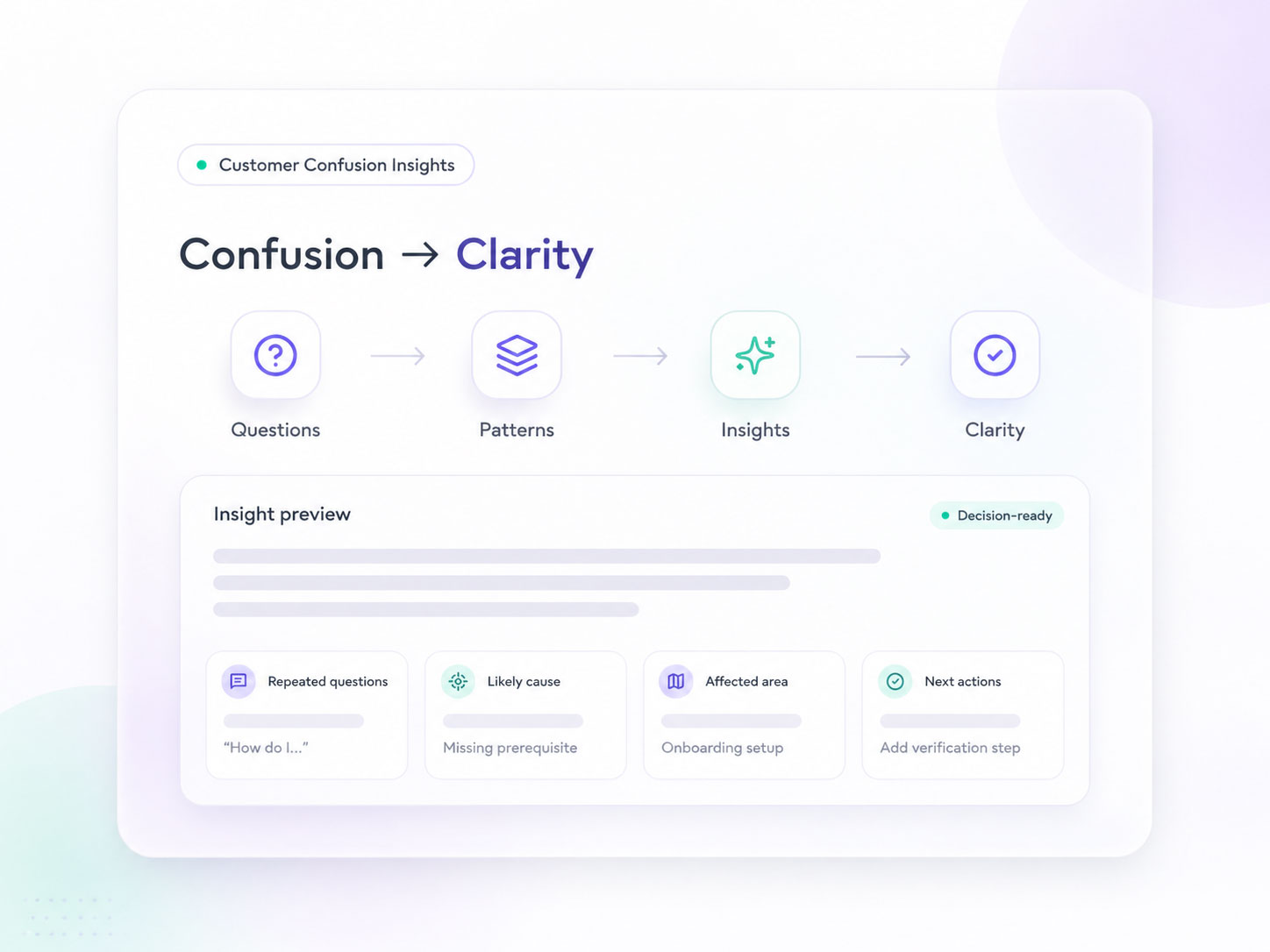
Category gap
Analytics shows where users drop off. Support shows what gets reported. Feedback shows what users choose to tell you. Sol Helps captures what users were trying to understand before any of that happened, then turns the repeated questions into Customer Confusion Insights.
Diagnosis
Repeated questions give your team a place to investigate.
Inspect the questions, check the available context, and weigh possible explanations before deciding on a next action.
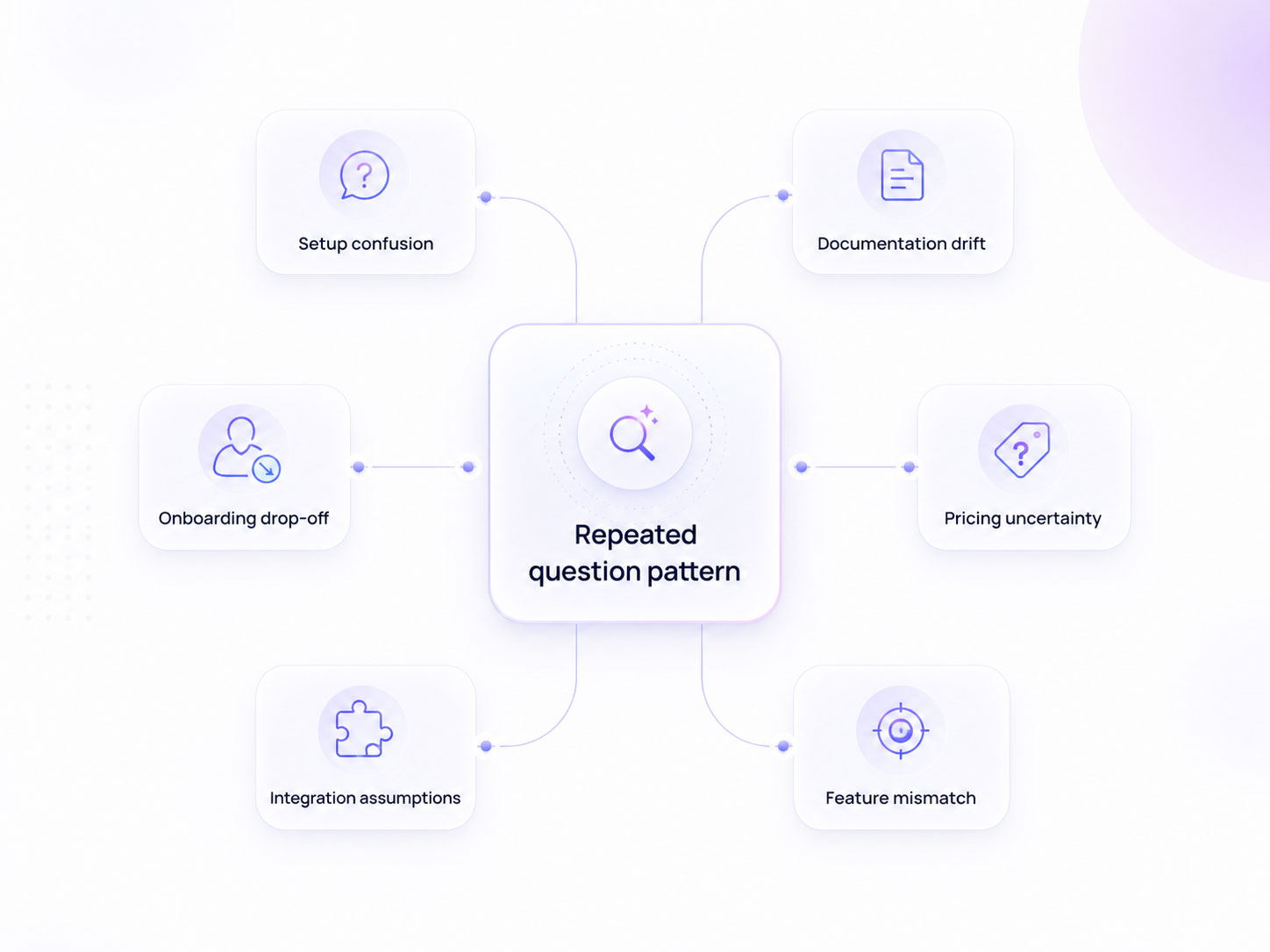
How it works
Sol Helps can answer questions, but answering is not the whole point. Every useful question also becomes a signal your team can review.
Over time, broad question themes can indicate where users may be confused. Your team reviews the source evidence before deciding what to change.
Capture questions on a focused live surface, or ask about an assisted pilot using a bounded set of existing questions.
Live-question reports group conversations into broad themes. Review the original wording and available context before drawing a conclusion.
Your team decides what to investigate or improve. Later, review comparable evidence to see whether the same questions return.
A Clarity Report gives your team questions, broad patterns and suggested next steps to assess. You choose what to change, then review later evidence. A change in question volume alone does not prove that your intervention worked.
What Sol Helps catches
Your analytics can show a drop-off. Your support queue can show what became a ticket. Many users get confused, hesitate, work around the issue, or leave without telling you why. Sol Helps preserves the questions users choose to submit, with available context and subject to consent and logging settings.
The result is a short insight report showing what users were trying to understand, where the confusion repeats, and what your team could investigate or clarify next.
Sol Helps calls these Customer Confusion Insights: repeated-question patterns with evidence and suggested next steps for your team to assess.
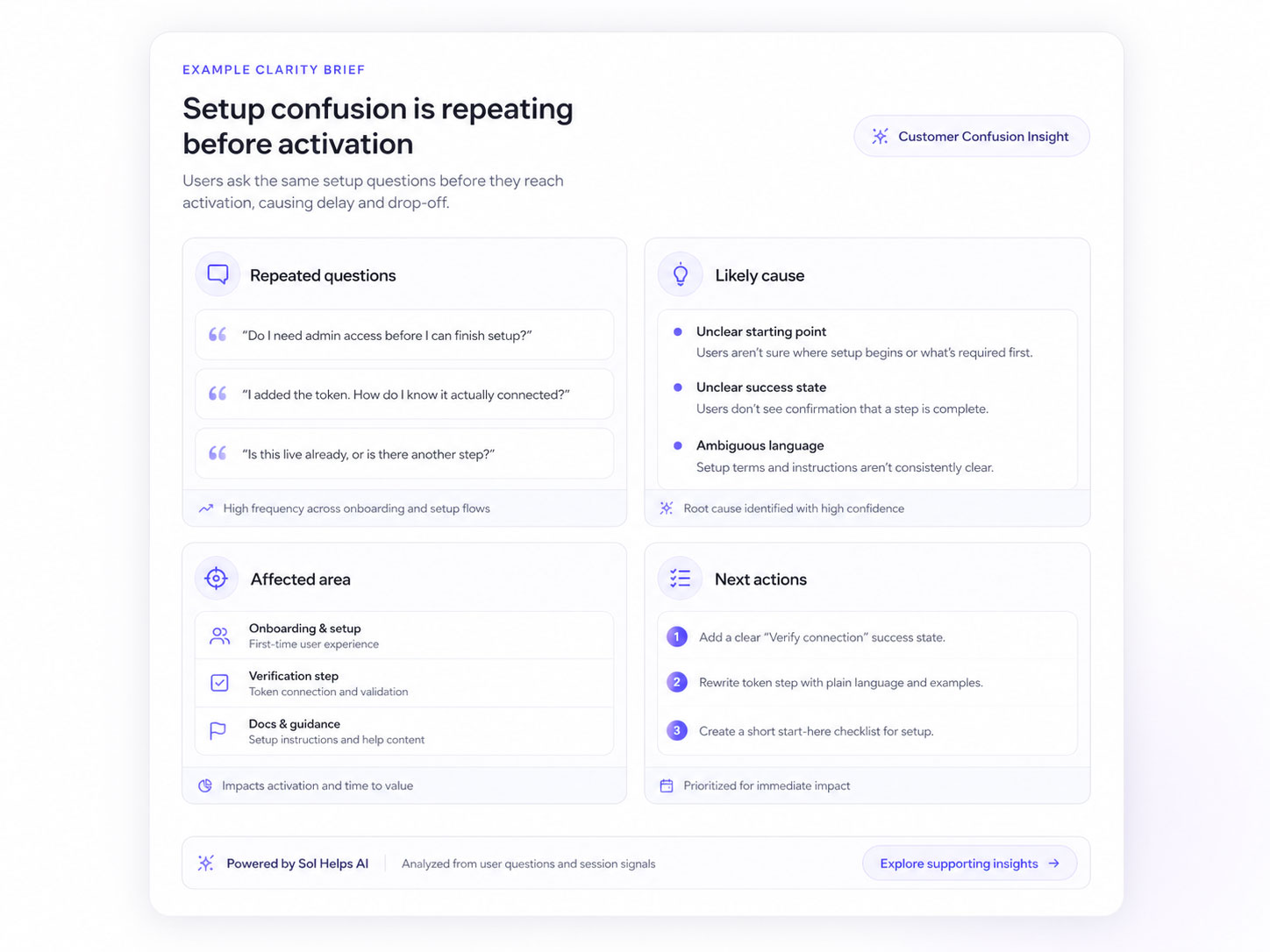
What teams miss
Teams usually see the outcome. They do not see the question behind it.
That is why onboarding, docs, and product copy often get fixed based on guesses instead of evidence.
Sol Helps preserves the moment something stops making sense, before a user leaves, opens a ticket, or works around the issue.
Users often adapt without fully understanding. That makes confusion easy to miss.
Inspect customer questions when investigating repeated user questions, documentation drift, and onboarding abandonment before activation.
Relevance
Use Sol Helps when you need to understand why users are getting stuck, not just where they are dropping off.
See the questions behind drop-off before users disappear.
Spot the assumptions users work around instead of reporting.
Catch uncertainty that analytics alone cannot explain.
Find repeated questions even when the answer already exists.
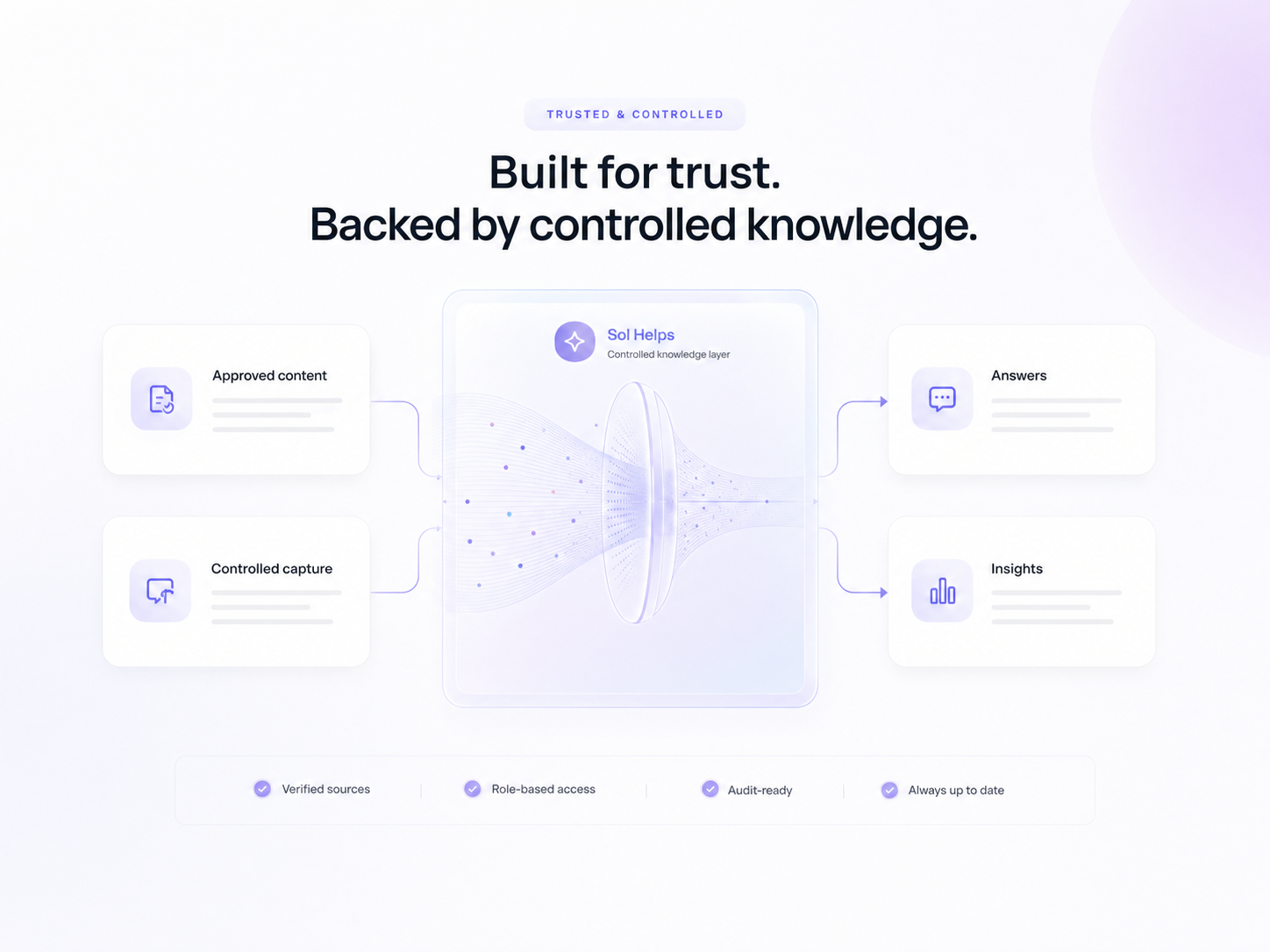
Controlled knowledge
Use the content you choose. Keep question capture controlled, answers grounded, and insight generation focused on what your team can actually review and improve.
Positioning
Sol Helps uses a chat-style assistant to capture questions, but the value is not more chat. The value is seeing repeated confusion clearly enough to fix it.
Shows the questions users decided to report to your team.
Shows where users dropped off, completed, or hesitated.
Captures the questions users ask before they leave, open a ticket, or work around the issue.
Turn repeated user questions into clearer docs, onboarding, product wording, and support coverage.
Start in three steps:
Choose one problem to review
Start with one onboarding flow, product page or documentation path.
Agree the evidence path
Review the public content, ask about existing questions, or assess a focused live pilot.
Decide what to investigate next
Separate observations from assumptions, choose a next step and plan a later review.
Grounded in your approved content. Customer conversations are not used to train public models.
Need more context first? Who Sol Helps is for·How teams use Sol Helps·When user confusion starts costing you