
Problem
Why users keep asking
the same questions
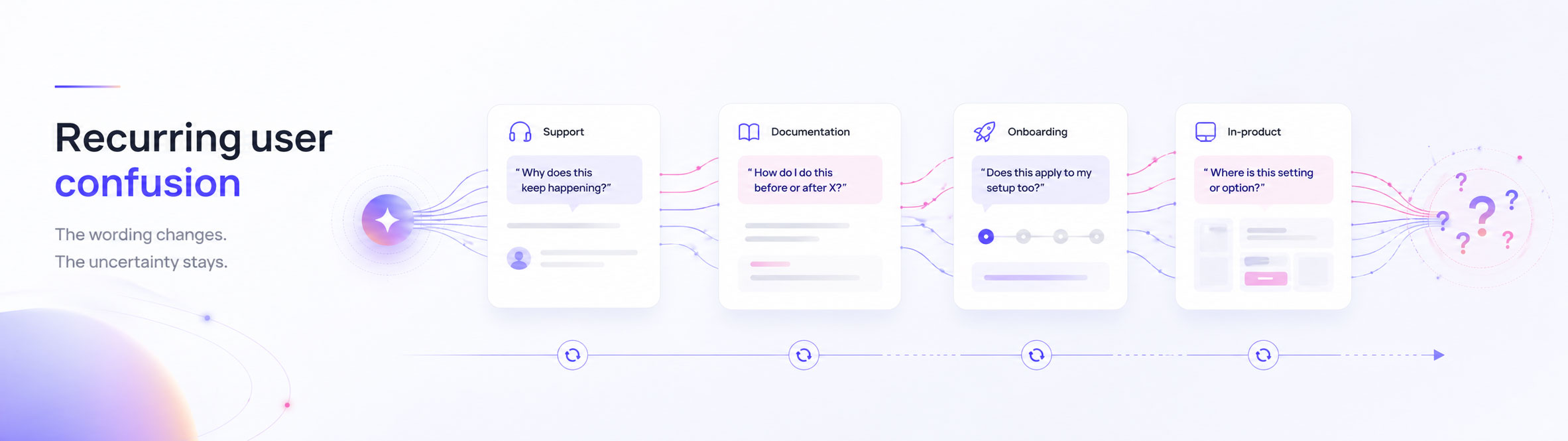
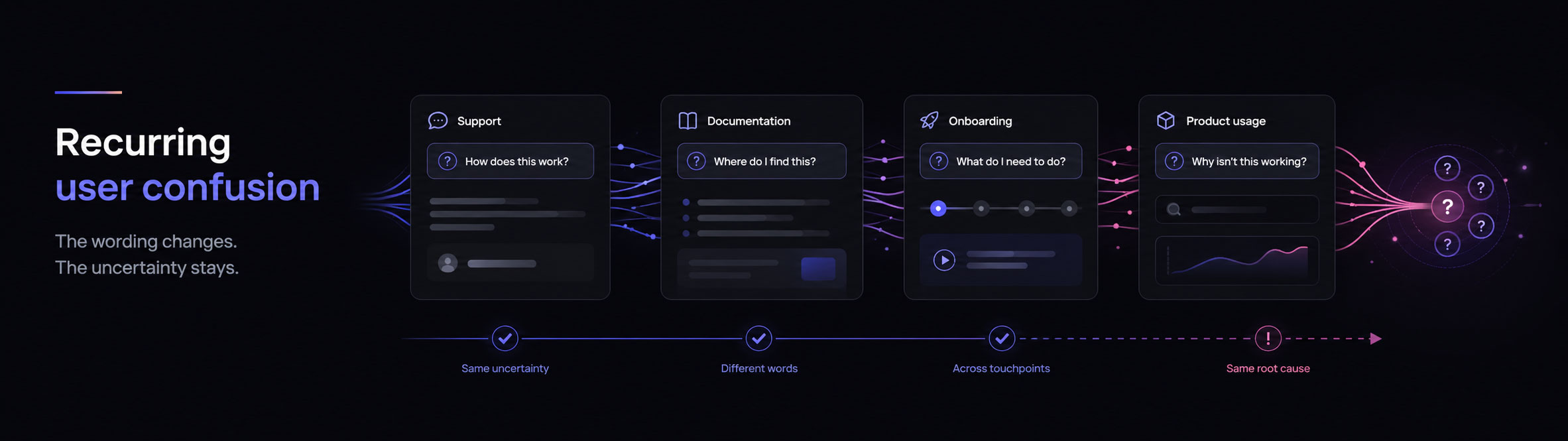
Users keep asking the same questions when individual answers resolve the immediate conversation but fail to create durable understanding.
The words may change, but users can still be trying to resolve the same decision, prerequisite, risk, or missing explanation. Teams then answer each case locally while the underlying uncertainty remains in the product experience.
This guide explains how to recognise genuine recurrence, investigate what the questions have in common, improve the right surface, and check whether the pattern continues.
Can a normal user connect this, or does IT need to do it?
Why am I being asked for administrator access?
Can I complete setup without involving an administrator?
Does every user need this permission, or only the installer?
What recurring user confusion means
The same uncertainty survives several correct answers
The visible symptom is repetition. The deeper problem is that users are not leaving with a stable understanding they can apply independently.
A repeat question is not simply the same sentence appearing twice. Users can ask in different language while trying to resolve the same missing decision: which option applies, whether a step is required, what a permission enables, or whether an action is safe.
Clear guidance needs to be available where the user performs the task, include important steps, and explain enough context to avoid preventable errors. The W3C guidance on clear step-by-step instructions specifically recommends placing instructions before or beside the activity, including steps that might otherwise be treated as obvious, and using examples or illustrations where helpful.
The recurring pattern matters because it shows that the current combination of product design, wording, guidance, and support is not consistently helping users form that understanding. It does not, by itself, prove which part is responsible.
Immediate answer
Resolves the question being asked now.
Durable explanation
Helps the user apply the answer in the next similar situation.
Recurring confusion
The immediate answer works, but the underlying decision remains unclear.
Recurring question diagnostic
Check whether the questions share one durable gap
Do not group questions only because they contain similar words. Compare the decision, uncertainty, surface, answer failure, and operational response.
- Same decision: are users ultimately trying to make the same choice?
- Same uncertainty: do they need the same missing explanation, reassurance, prerequisite, or boundary?
- Same surface: are the questions concentrated around the same page, path, setup step, or product moment?
- Same answer failure: does existing guidance answer the literal question without resolving the broader need?
- Same operational response: are teams repeatedly answering instead of changing the source experience?
The more conditions are true, the stronger the case that the team is seeing one recurring clarity problem rather than unrelated support noise. The final diagnosis still requires reviewing the original evidence and current product behaviour.
What it looks like in real questions
Different wording can reveal the same missing decision
The useful pattern is not the repeated sentence. It is the shared uncertainty underneath it.
- “Can a normal user connect this?”
- “Why am I being asked for admin permission?”
- “Can I finish onboarding without involving IT?”
- “Does every user need this access, or only the installer?”
The questions differ, but each asks for the same missing boundary: who needs elevated access, at which step, and why.
Why it happens
Correct answers can still fail to create understanding
Recurring questions often persist because the answer resolves one moment without addressing the decision the user must make.
Common recurring-question patterns
Repeated questions often point to one of five clarity gaps
These categories help organise an investigation. They are not automatic classifications or proof of cause.
Decision gap
Users cannot tell which option, plan, path, or configuration is right for them.
Reassurance gap
Users understand the steps but remain unsure whether the action is safe, reversible, or supported.
Prerequisite gap
A dependency, permission, role, or setup condition appears too late.
Terminology gap
The product uses language that does not match how users describe the task.
Answer-quality gap
The answer exists, but it is too broad, procedural, or detached from the user’s context.
Why recurring confusion matters
The cost extends beyond repeat support work
Every repeated question consumes attention and can signal that users are still carrying uncertainty into the next step.
Why teams miss it
The pattern lives between conversations, systems, and owners
Each team sees a useful fragment, but nobody automatically receives the complete evidence needed to decide what should change.
- Support systems manage individual cases and resolutions, but the same uncertainty can remain spread across agents, channels, and customer accounts.
- Analytics shows reach and behaviour, but not the words users submitted when they needed an explanation.
- Documentation teams know where guidance lives, but may not see the questions occurring around each page or workflow.
- Product teams hear several plausible explanations without a shared evidence set strong enough to distinguish them.
User research can help teams explore what people did, thought, and felt across a service. The GOV.UK Service Manual recommends capturing experiences over time to understand the service from the user’s point of view. Recurring-question evidence can help identify which experiences deserve that deeper research.
How to investigate recurring questions
Repair the missing understanding, not only the latest answer
A useful workflow preserves the evidence, tests the interpretation, changes one bounded surface, and returns later to review the pattern.
Collect the original questions
Apply the recurrence test
Inspect the current experience
Define the smallest testable interpretation
Choose the surface closest to the decision
Record what changed
Review later evidence alongside other signals
How to reduce recurring confusion
Design explanations to survive beyond one conversation
Prevention means moving important context into the experience, keeping help easy to find, and making repeated questions part of the improvement loop.
How Sol Helps supports the workflow
Turn isolated assistant conversations into a reviewable recurrence signal
Sol Helps preserves submitted questions and useful context, then helps teams see where broad patterns may be forming without hiding the original evidence.
Illustrative product artifact—not customer data. The live dashboard keeps representative evidence inspectable behind the theme summary.
Use analytics to understand reach and outcomes, support software to manage cases, user research to investigate needs and mental models, and documentation systems to maintain shared guidance. Use Sol Helps to inspect the questions submitted through the embedded help experience and decide where recurring uncertainty deserves deeper investigation.
What to do next
Audit one recurring question from evidence to source
Start with one repeated decision, preserve the original questions, and compare the experience that produced them.
Choose one question users repeatedly ask. Apply the recurrence test, confirm whether the examples share one uncertainty, inspect the associated page or workflow, and identify the smallest explanation or product change worth testing. Record what changed so later evidence can be interpreted against a known intervention.
Request a free, founder-reviewed Product Clarity Audit. Inspect what the review is based on and a suggested next step for your team to assess.