
Problem
Documentation drift:
when product changes leave guidance behind
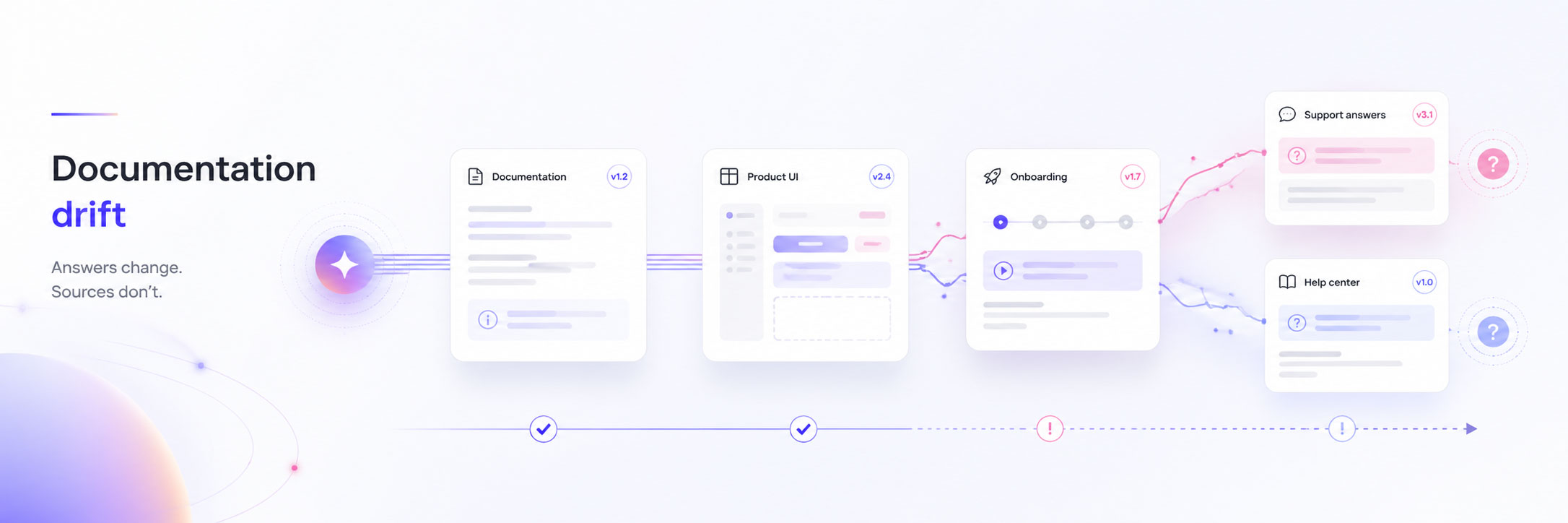
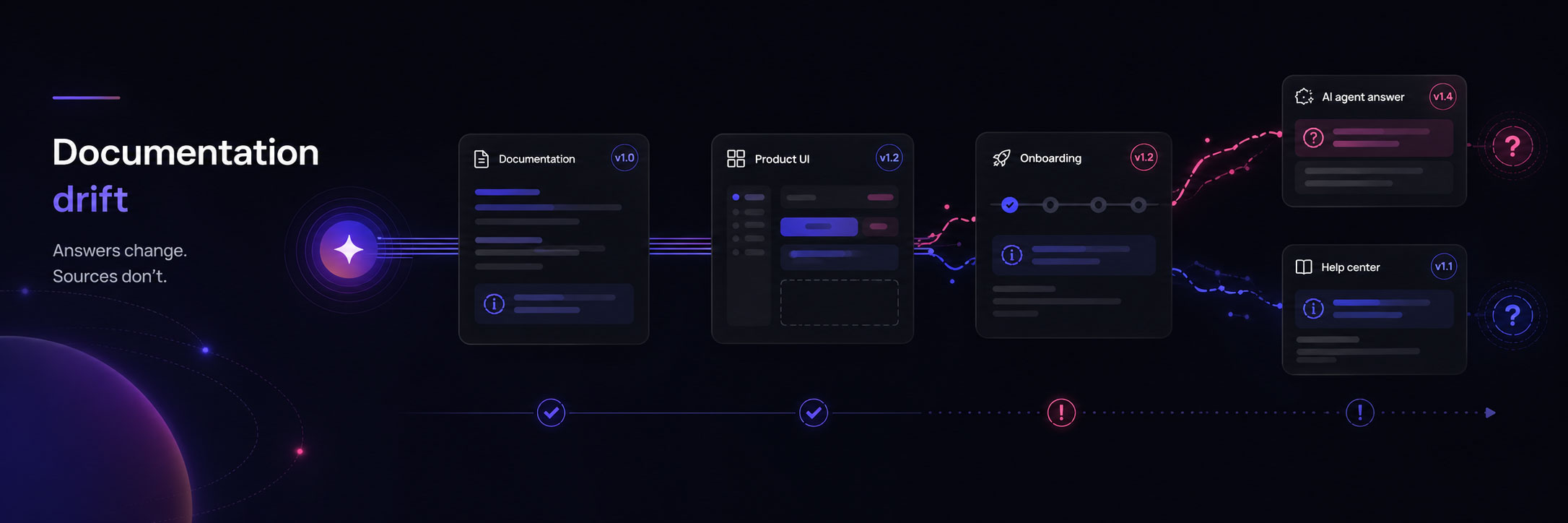
Documentation drift happens when the product, code, policy, or workflow changes but the guidance explaining it does not change with it.
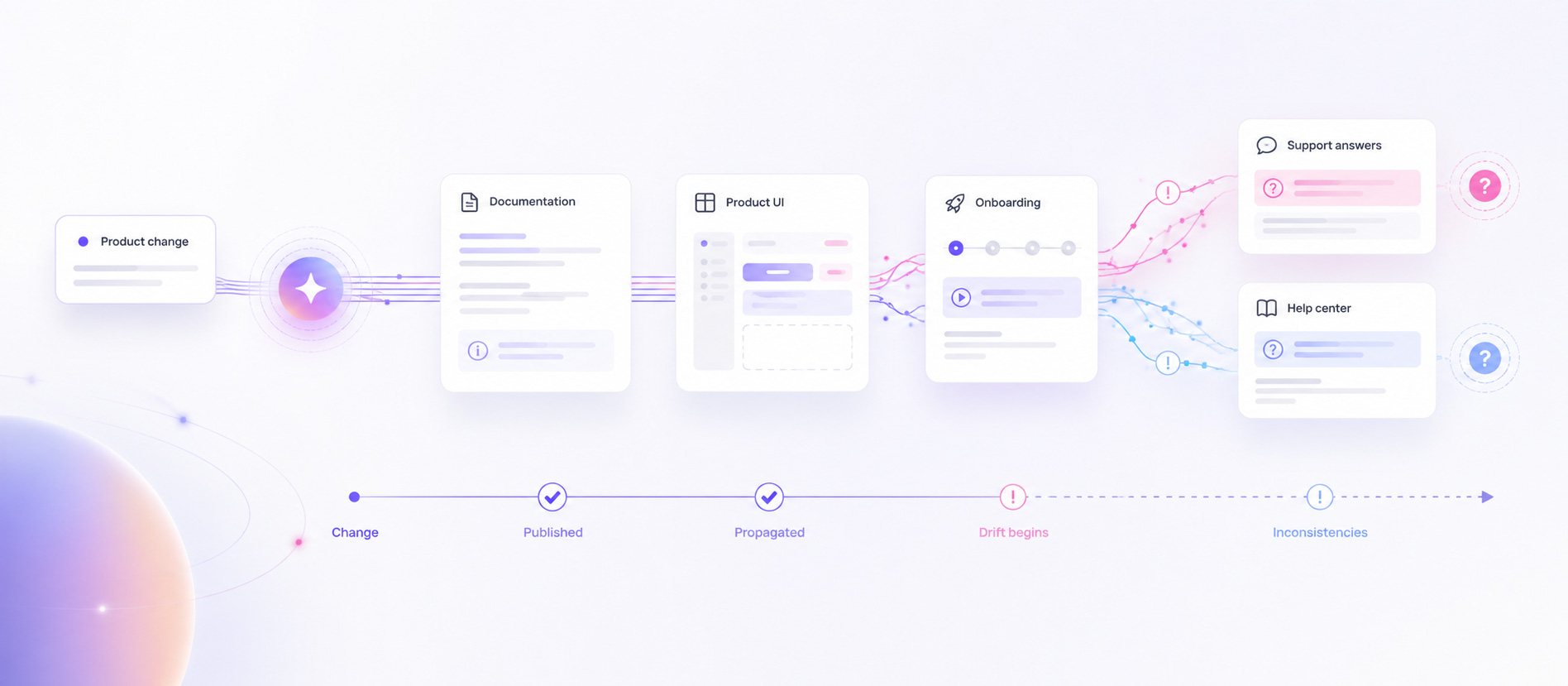
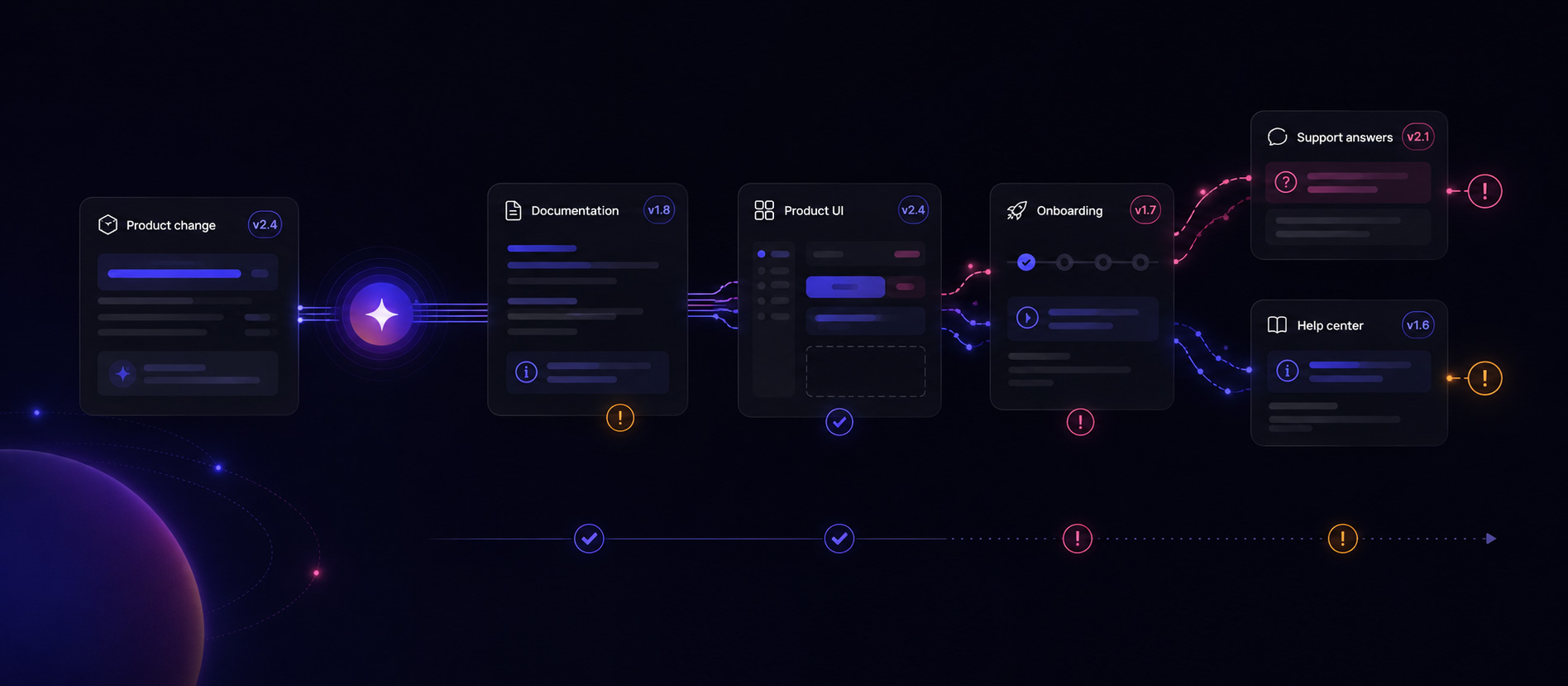
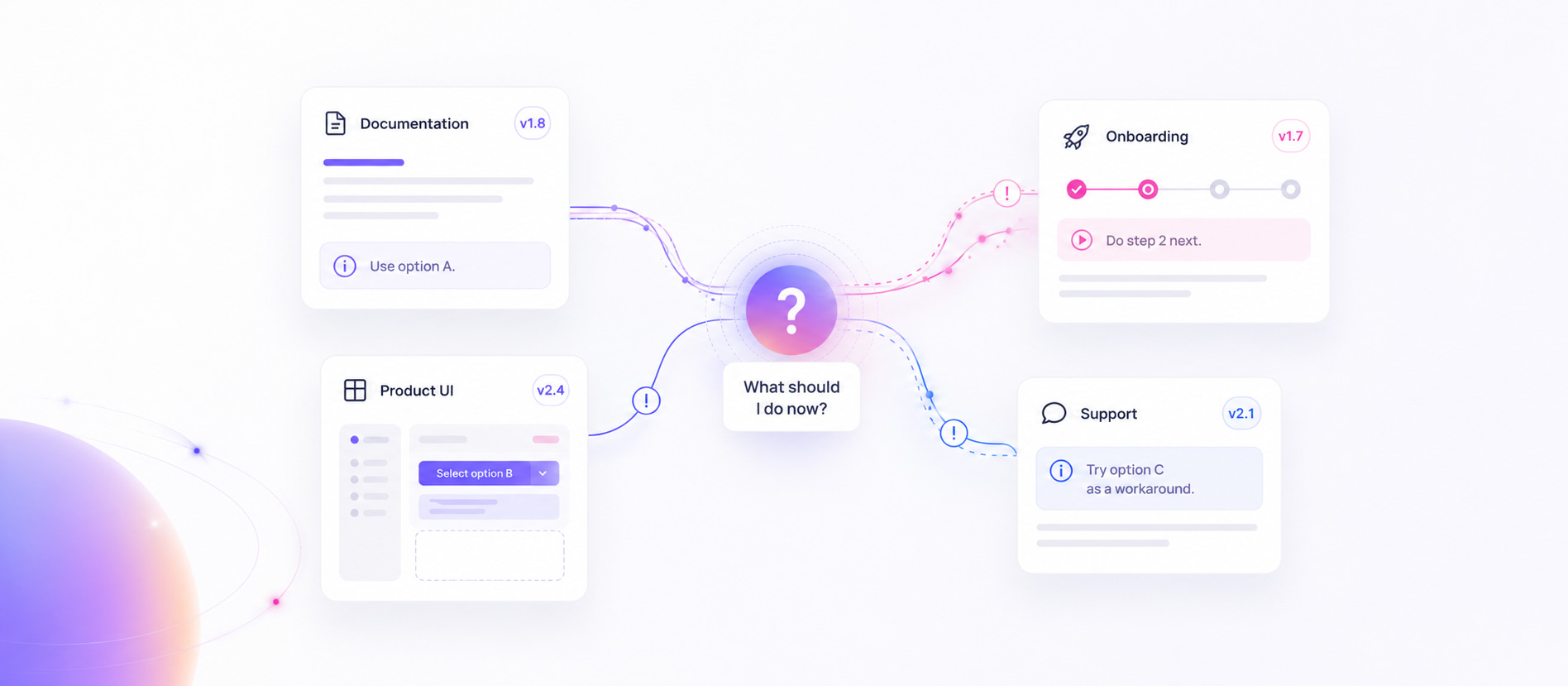
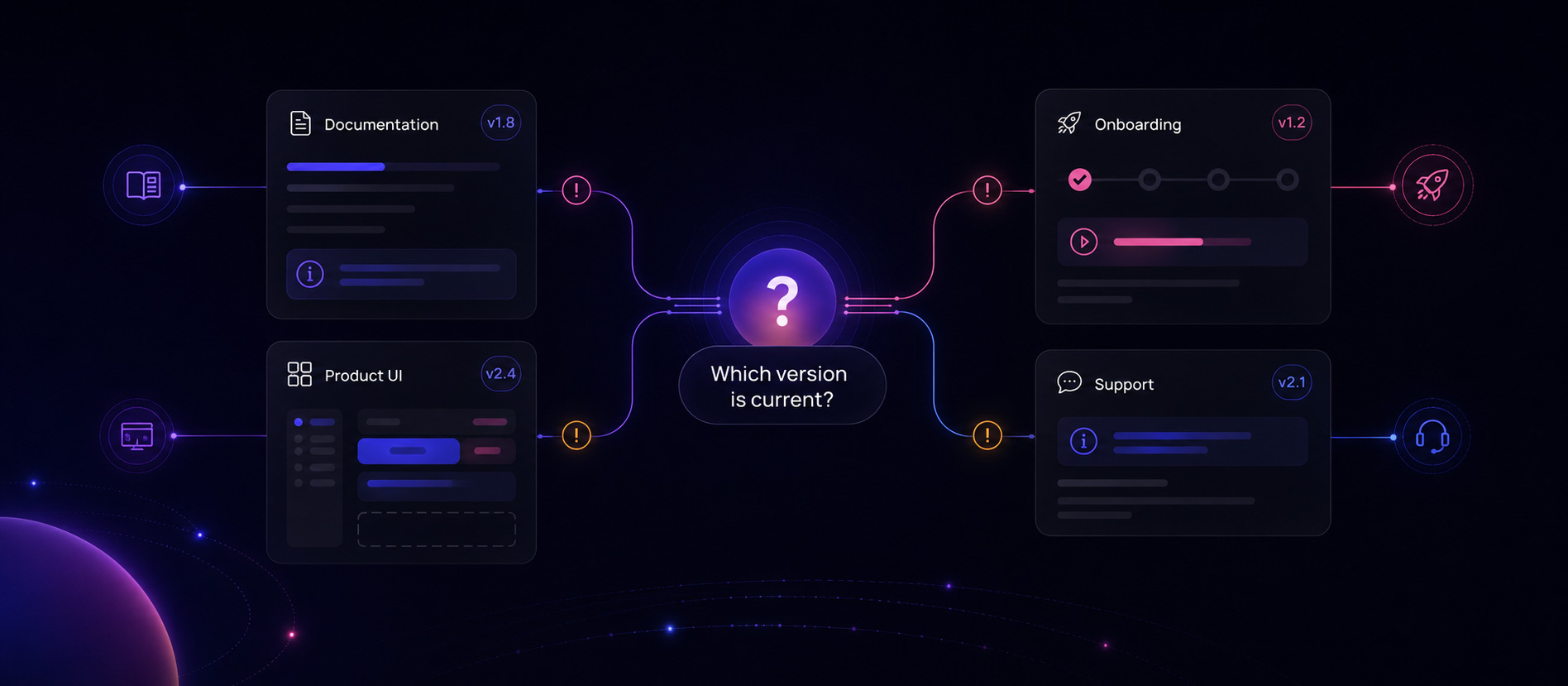
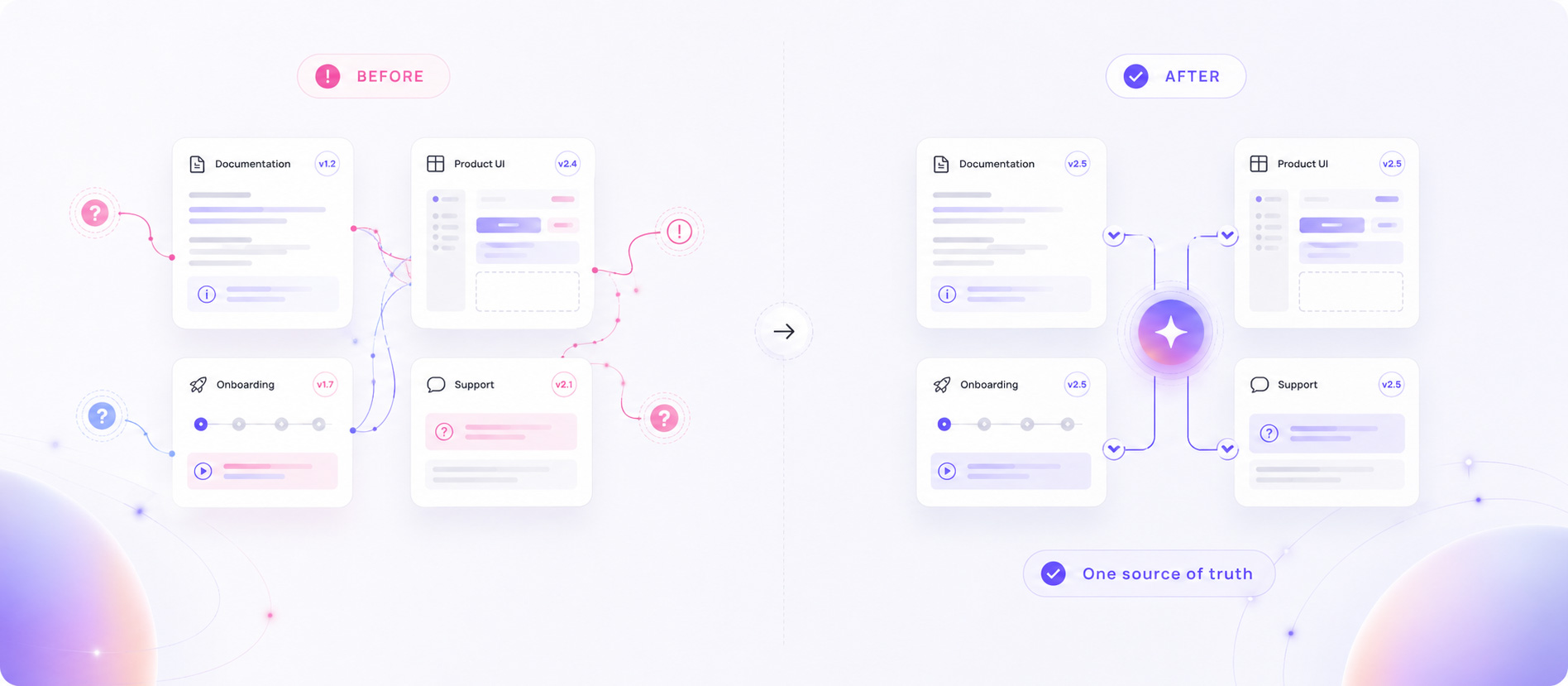
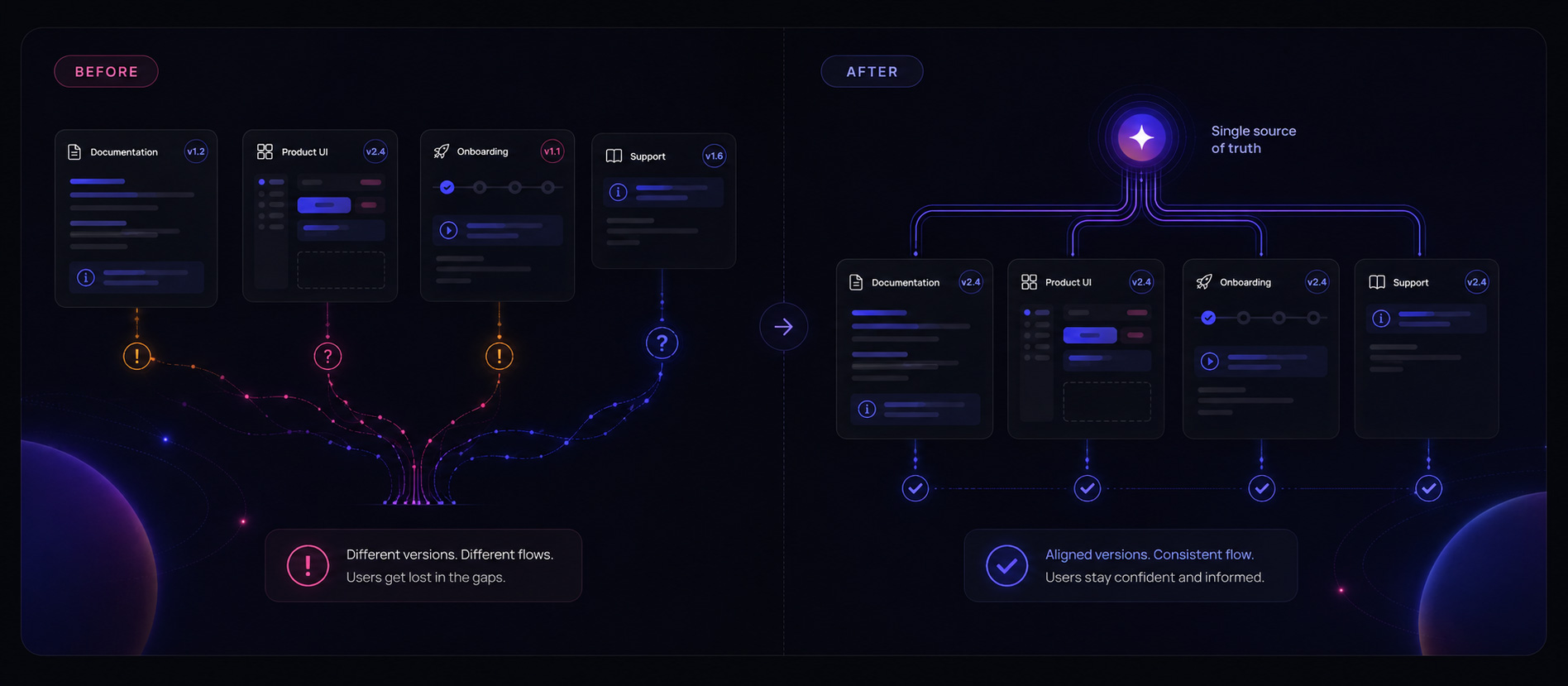
The mismatch rarely stays inside one document. It spreads into UI copy, onboarding, screenshots, code examples, help content, and support answers until users encounter several versions of the truth.
This guide explains how to recognise the drift, trace it to the source, fix the affected guidance, and reduce the chance of it returning.
The API docs still show a parameter removed in the latest release.
A help article refers to a button that was renamed in the product.
Onboarding includes a step the current workflow no longer requires.
Support knows an exception that the public guidance never mentions.
What documentation drift means
One change creates several conflicting explanations
The visible symptom is stale content. The deeper problem is that the answer is no longer consistent across the experience.
The conventional form of documentation drift is straightforward: software changes, while its documentation continues to describe the previous behaviour. An API field is renamed, a configuration option becomes required, or a workflow changes without the corresponding reference material being updated.
In a live product experience, the same answer often appears in more places than the documentation. Labels, tooltips, onboarding tours, support macros, release notes, examples, and AI help can all repeat or reinterpret it. Updating one surface does not guarantee that the user receives one current explanation everywhere else.
For structured APIs, specifications such as the OpenAPI Specification can provide a machine-readable interface contract. That can reduce some forms of technical drift, but it does not prove that prose, examples, onboarding, support guidance, or user understanding have stayed aligned.
Documentation drift diagnostic
Check whether every surface gives the same current answer
Start with one important user question, identify the source of truth, and compare every place that attempts to answer it.
Do not begin by rewriting the first page that looks old. First establish what the product currently does, then test whether the full explanation remains consistent.
- Is there one confirmed source of truth for the current behaviour, rule, or workflow?
- Do documentation, code examples, UI copy, onboarding, and support use the same terms for the same concept?
- Do they describe the same sequence of steps without adding, skipping, or reordering something important?
- Do they reflect the same requirements, defaults, exceptions, and expected outcomes?
- Can the team identify who is accountable for keeping the complete answer aligned?
- Do users receive the same clear next step regardless of where they ask for help?
What it looks like in real questions
Repeated questions reveal where drift reaches the user
Drift can exist before anyone reports it. Repeated requests for confirmation show where the mismatch is creating visible uncertainty.
- “Is this setting still required in the new flow?”
- “Your docs say X, but the UI says Y — which one is correct?”
- “Do I need to do this step before or after the update?”
- “Why does support say something different from the help page?”
Different wording; the same unresolved uncertainty. Recurrence helps show where the drift is affecting real users.
Why it happens
Documentation drift grows when changes and guidance follow different workflows
The problem is rarely one careless edit. It is usually a systems and ownership problem that compounds over time.
Documentation drift examples
The same underlying problem appears differently across a product
Concrete examples make it easier to separate documentation drift from a single unclear sentence or isolated support mistake.
API and code drift
A parameter is renamed, a field becomes required, or a response shape changes. The live service follows the new contract, while reference pages and examples continue to show the previous one.
Product UI drift
A control is renamed or moved during a redesign. The product uses the new language, but screenshots, tooltips, release notes, and help articles still instruct users to find the old control.
Onboarding drift
Setup becomes simpler, but the welcome email, checklist, tour, or implementation guide still includes an obsolete step. New users cannot tell whether the step remains necessary.
Support-answer drift
Support agents learn a workaround or policy exception, but the public documentation and automated help continue to provide the simpler—and now incomplete—answer.
Why documentation drift matters
The cost is not only stale content
Conflicting guidance creates additional work for users and for every team that has to explain, diagnose, or repair the inconsistency.
Why teams miss it
The problem lives between systems and team boundaries
Most tools and workflows show one fragment of the issue. Documentation drift becomes visible only when the complete answer is considered across the user journey.
Engineering verifies that the feature works. Documentation verifies that a page was updated. Support verifies that the immediate question was answered. Nobody necessarily verifies that the same user now receives one consistent explanation everywhere.
- Analytics can show page views, paths, and conversion outcomes, but not what a user believed after reading the guidance.
- Support systems capture explicit cases, but many low-friction questions never become tickets and answers can remain separated by agent or channel.
- Documentation freshness tools can identify changed or ageing content, but they do not prove that users understand the revised answer.
- Code-to-documentation automation can keep structured references in sync, but it does not maintain every screenshot, onboarding step, support exception, or explanation across the experience.
Documentation drift therefore needs both maintenance controls and evidence from the user-facing experience. Related: how Sol Helps fits with your existing stack.
How to fix stale documentation
Repair the complete answer, not only the first page you find
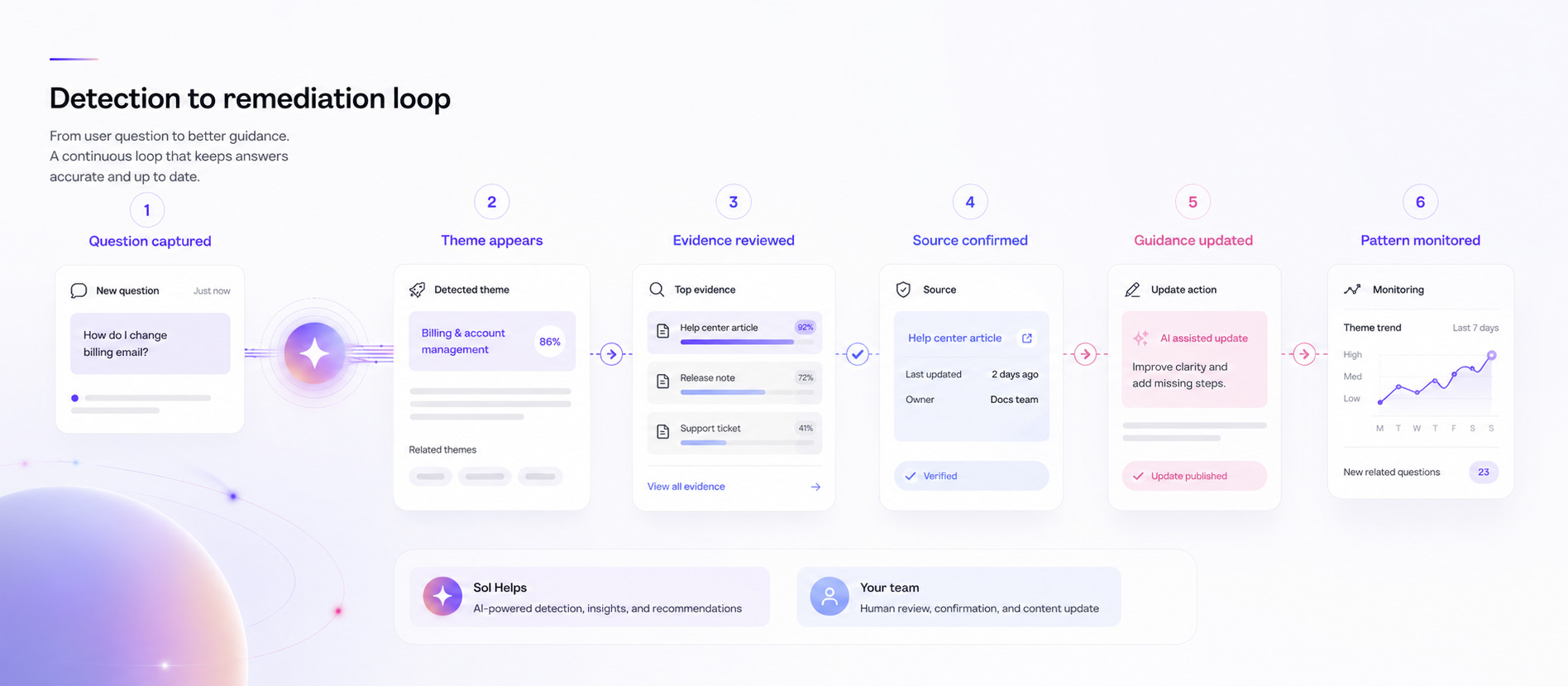
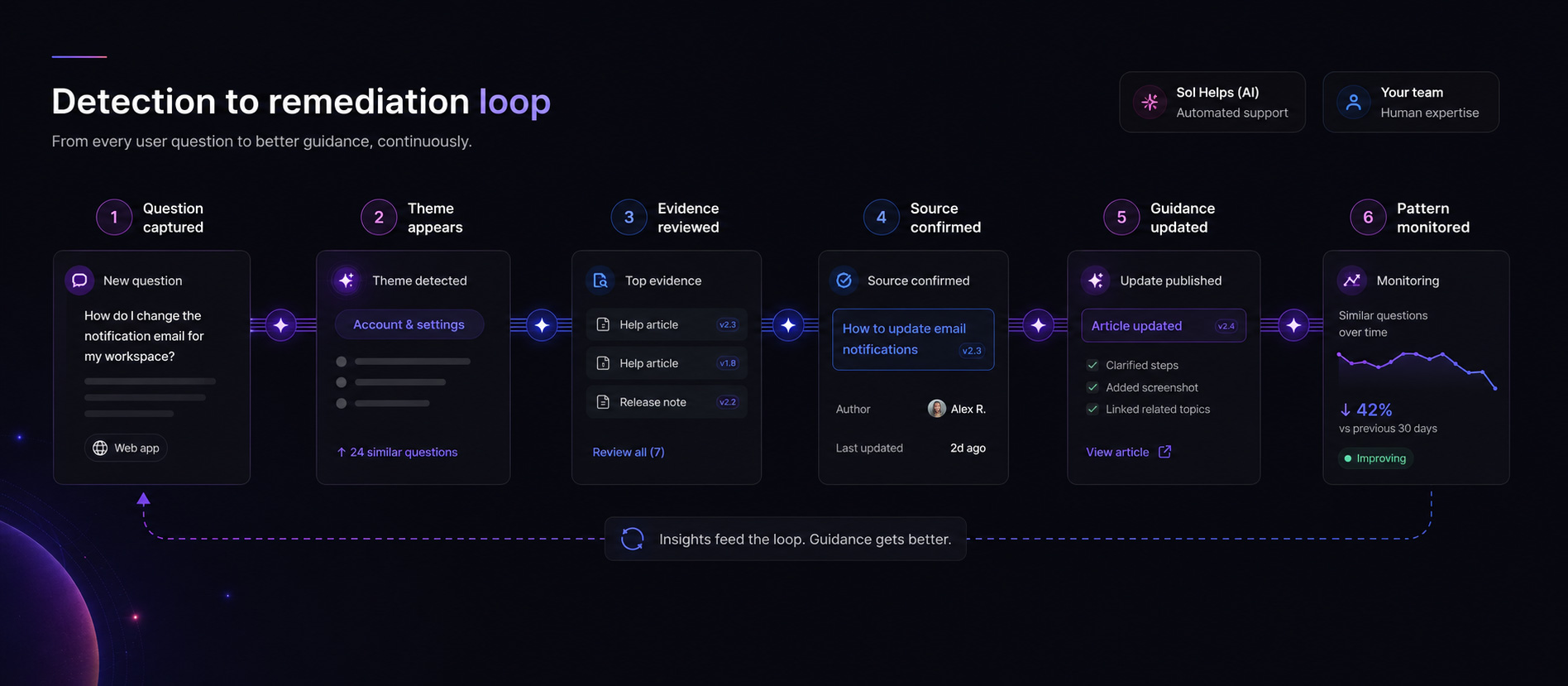
A reliable remediation process starts with the current truth, maps every dependent surface, and verifies whether uncertainty remains.
Establish the current source of truth
Map every surface that answers the question
Compare the answer, not only the wording
Prioritise by consequence and observed uncertainty
Update affected surfaces as one change set
Review and assign accountability
Check whether the uncertainty persists
How to prevent documentation drift
Make guidance part of the change process
Drift becomes easier to manage when dependent explanations are identified before release and user uncertainty is monitored afterwards.
Documentation maintenance is part of software engineering rather than a separate finishing task. Google’s technical writing resources point teams toward documentation practices that create, measure, and maintain guidance alongside engineering work.
How Sol Helps supports the workflow
Turn user questions into evidence for where guidance may be drifting
Sol Helps does not compare document versions or automatically update stale content. It shows teams where users are encountering uncertainty and gives them evidence to investigate and prioritise it.
Illustrative product artifact—not customer data. The live dashboard keeps representative evidence inspectable behind the theme summary.
Use web analytics to understand reach and outcomes, search analytics to understand search behaviour, support software to manage cases, freshness checks to detect ageing content, and code-to-documentation tooling to maintain structured references. Use Sol Helps to inspect the user-facing questions and follow-ups that reveal where the explanation may still be failing in practice.
What to do next
Audit one repeated question across every surface
A small, evidence-led audit can show whether you have one stale page or a wider documentation drift pattern.
Choose one question users repeatedly ask. Confirm the correct current answer, list every surface that attempts to explain it, and compare them side by side. Record the terminology, steps, requirements, exceptions, and next action each surface presents. Then repair the complete answer rather than the most visible page alone.
Request a free, founder-reviewed Product Clarity Audit. Inspect what the review is based on and a suggested next step for your team to assess.